PoseImageNet
Pose Estimation for Extensive Classes Based on Rich Structure Prototypes
PoseImageNet is a pose dataset built on ImageNet, covering an unusually wide range of object classes and object structures. Because a single semantic class frequently contains objects that cannot be deformed into one another, the class is partitioned into structure prototypes — subsets of objects that share one keypoint definition. Every object pose in the dataset comes with its keypoint annotation and the prototype label that identifies the deformable set it belongs to.
From a semantic class to structure prototypes
A semantic class is first split into subsets by structure, then pose is annotated inside each subset. The split is what makes pose estimation well posed for classes whose objects do not all share one skeleton.
Scale and structure of the dataset
One overview of how the dataset is spread across superclasses, and two views of its structure: how many keypoints a prototype carries, and how many prototypes a semantic class splits into.
Prototypes per superclass
Distribution of prototypes by keypoint count
Each bar counts the structure prototypes with that number of keypoints.
Distribution of semantic classes by prototype count
Each bar counts the semantic classes containing that number of structure prototypes.
Two prototypes sampled from each superclass
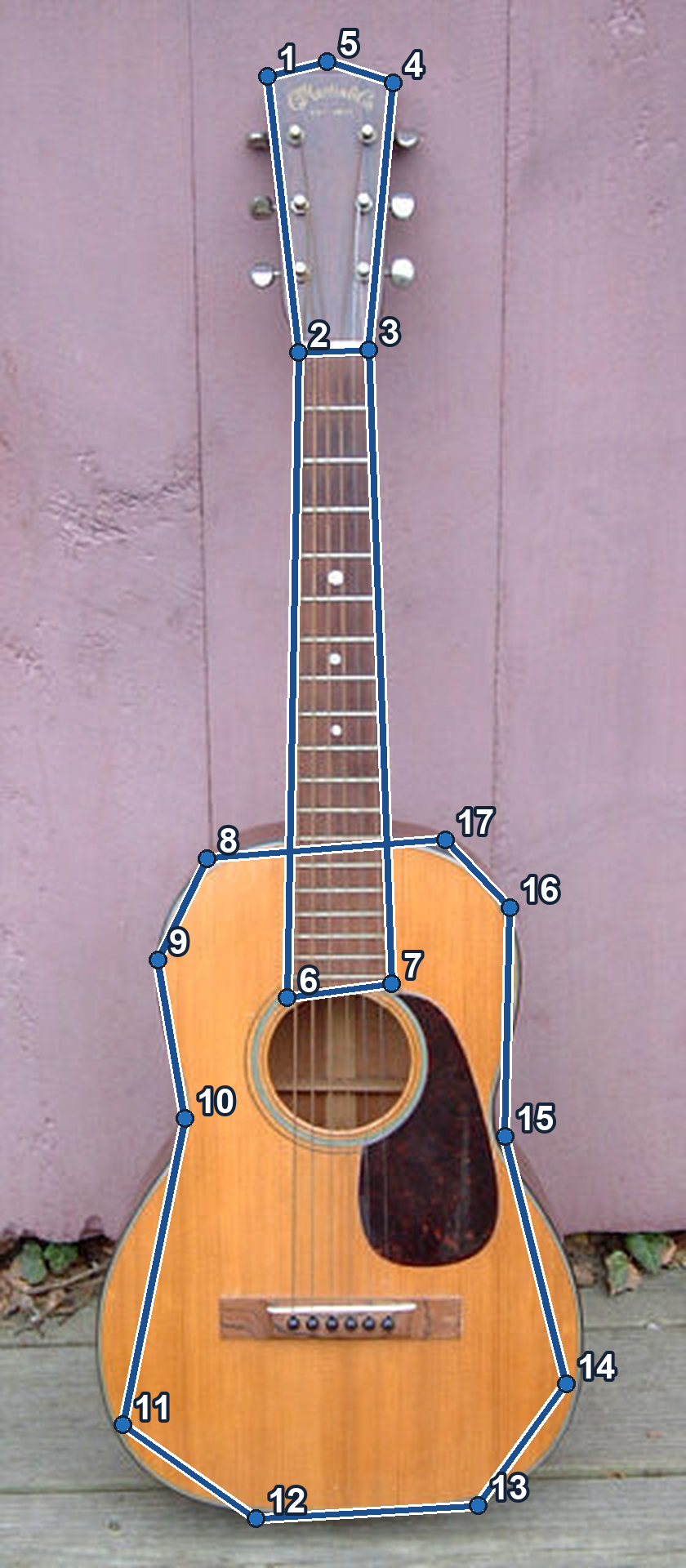
One semantic object class is selected from each of the 13 superclasses. Each row contains two structure prototypes from that class and three object poses from each prototype. Within each group, every pose is deformable into every other: same keypoint count, same keypoint correspondence, different pose.
Skeleton overlays are rendered from the supplied images and their matching keypoint annotation files.
How to read the annotation
Fields
key of annotations | Annotation identifier (annotation_id), unique across the dataset. |
annotations[id].image_id | The image this annotation belongs to (a key of images). |
annotations[id].prototype_category_id | The structure prototype this sample belongs to (a key of category_net). |
annotations[id].keypoint_xy | Flat array [x₁,y₁, x₂,y₂, …] of original-image pixel coordinates; length = keypoint_number × 2. |
annotations[id].keypoint_v | Visibility per keypoint; length = keypoint_number, 0 = occluded, 1 = visible. |
key of images | Image identifier (image_id). |
images[id].path_from_root_to_image_file | Relative path from the image root folder to the image file. |
images[id].image_raw_width, images[id].image_raw_height | Original image width and height in pixels. |
key of category_net | Structure prototype identifier (prototype_category_id). |
category_net[id].keypoint_number | Number of keypoints defined for this prototype. |
category_net[id].canonical_sample_id | The prototype's reference sample, given as an annotation_id. |
category_net[id].skeleton | Connected keypoint pairs, 0-based indices. |
category_net[id].semantic_category_name, semantic_category_id | Name and identifier of the semantic class this prototype belongs to. |
category_net[id].super_semantic_category_name, super_semantic_category_id | Name and identifier of the superclass. |
Loading an annotation
Open download
A single ZIP archive bundles all annotation files (PoseImageNet.json, SampleTrack.json, and the per-prototype category definitions).
Restore the full dataset
SampleTrack.json maps each images[].id to its original image in ImageNet or UniKPT. The keys are strings; use sample_track[str(image_id)] to locate the source.
Prepare the files
Use matching versions of
PoseImageNet.jsonandSampleTrack.json, plus the original ImageNet and UniKPT images.Locate each source image
Look up the image ID. For
ImageNet/images_train/…, resolve the remaining path under your ImageNet training folder. Resolve all other paths under the UniKPT images folder.Rebuild the image folders
Copy every source image to
output / images[].file_nameand keep both JSON files. The restored images and annotations form the full dataset.
Example: image ID → original relative path
{
  "1": "ImageNet\\images_train\\n01682714\\n01682714_1007.JPEG",
  "117241": "300w\\images\\afw\\90800092_2.jpg"
}
Run the restoration
Download Python scriptSave the script beside the two JSON files. Replace the source and output folders below, then run with Python 3. The script checks every source file before copying.
python restore_dataset.py --imagenet "D:/ImageNet/images_train" --unikpt "D:/UniKPT/images" --output "D:/PoseImageNet"
Images are copied at their original resolution. Image IDs, keypoint coordinates and skeleton connections stay unchanged.